 laconicleon← Back to writing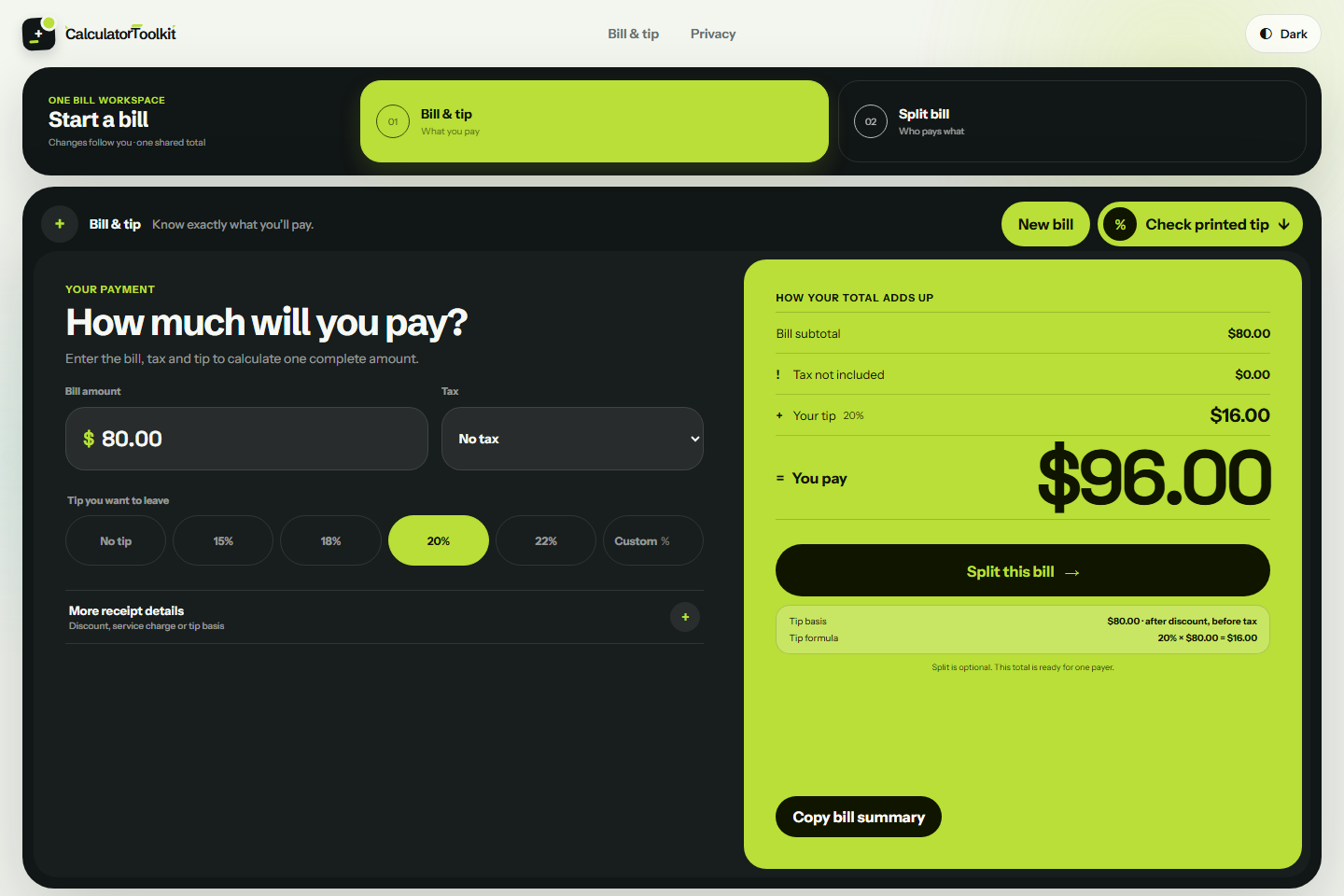
A tip calculator is most useful when it keeps the restaurant bill, tax, tip basis, service charge, and payer shares visible. The clearest method is to calculate one complete payment first, then split that finished total only if more than one person is paying.
This guide uses an $80.00 subtotal, $8.00 of receipt tax, and a 20% tip calculated from the pre-tax subtotal. You can follow the same example in the Calculator Toolkit tip calculator, which runs the calculation locally in your browser and does not require an account.
Step 1: Identify the subtotal and tax
Start with the restaurant subtotal before tip. In this example:
- Subtotal:
$80.00 - Receipt tax:
$8.00 - Amount after tax, before tip:
$88.00
If your receipt already shows a tax amount, use that amount instead of estimating it. Restaurant tax rules differ by location, so the printed receipt remains the primary reference.
Step 2: Decide whether the tip uses the before-tax or after-tax amount
Many US diners calculate a tip from the pre-tax subtotal, while some receipts and payment terminals display suggestions based on the after-tax amount. The difference matters.
For a 20% pre-tax tip:
$80.00 × 20% = $16.00
For a 20% after-tax tip:
$88.00 × 20% = $17.60
Neither basis should be assumed from the percentage alone. Check the receipt or the basis you intend to use.
Step 3: Calculate one complete payment
Using the pre-tax tip from this example:
$80.00 subtotal + $8.00 tax + $16.00 tip = $104.00 total
That $104.00 is the completed payment amount. Keeping the calculation in this order makes it easier to explain where every dollar came from and prevents tax or tip from being added twice.
Step 4: Split the completed total
If two people are paying equally, divide the completed total—not just the subtotal:
$104.00 ÷ 2 = $52.00 per payer
For three or more payers, rounding can create a one-cent remainder. A split bill calculator should allocate that remainder while preserving the exact shared total, rather than displaying rounded shares that no longer add up correctly.
If people ordered different items, an itemized or custom split may be more appropriate. Tax, tip, discounts, and service charges still need an explicit allocation rule so the payer shares add back to the same completed total.
Step 5: Check what a printed tip represents
Suppose the receipt prints a $16.00 suggested tip. Compare it with both possible bases:
$16.00 ÷ $80.00 = 20%before tax$16.00 ÷ $88.00 ≈ 18.18%after tax
That means the printed $16.00 tip matches 20% of the pre-tax subtotal. A $17.60 printed tip would instead match 20% of the after-tax amount.
Calculator Toolkit includes a Receipt Checker for making this comparison without replacing the values on your original bill.
What about service charges and discounts?
A service charge does not always replace a tip, and its treatment varies by restaurant. Check the receipt or ask the restaurant before adding another gratuity. Discounts can also affect the intended tip basis: some diners tip on the original subtotal, while others use the discounted subtotal.
The important part is to choose the basis deliberately and keep it visible in the calculation.
A quick calculation checklist
Before paying, confirm:
- The subtotal matches the receipt.
- The tax is entered as printed or calculated using the correct local rate.
- The tip percentage uses the intended before-tax or after-tax basis.
- Any service charge or discount is accounted for once.
- The completed total is calculated before splitting.
- All payer shares add back to the completed total.
You can run this workflow with the Calculator Toolkit tip calculator. It performs bill calculations locally in the browser and does not require an account. Results are estimates and do not replace the printed receipt, restaurant policy, or local tax rules.